
Trackpad
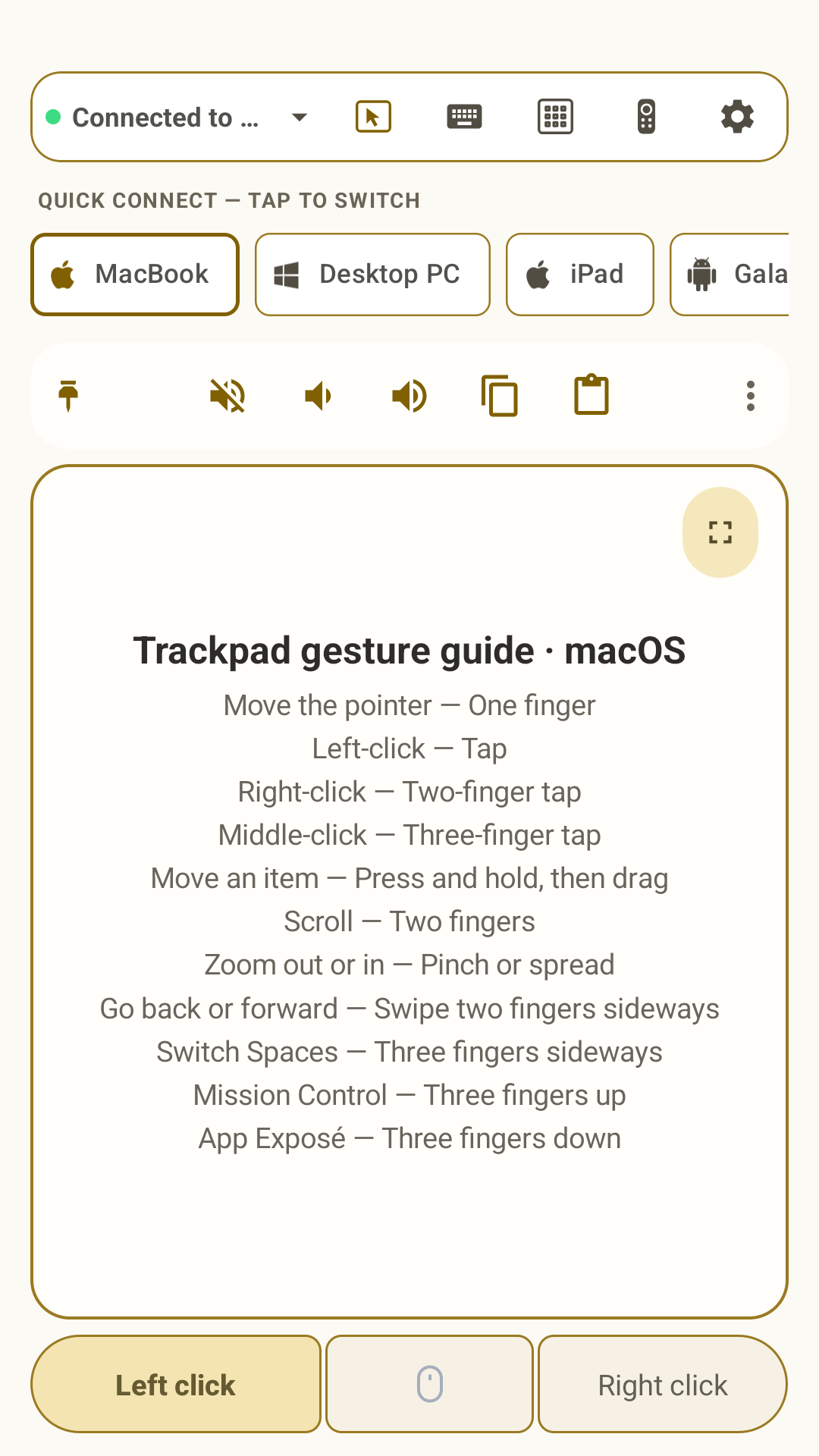
Move the pointer, click, drag, use inertial scrolling, and control multitouch gestures from one screen.

Omny Pad turns a compatible Android phone or tablet into a wireless mouse, multitouch trackpad, full keyboard, media remote, presenter, numpad, and calculator.
Core functions
Move the pointer, click, drag, use inertial scrolling, and control multitouch gestures from one screen.
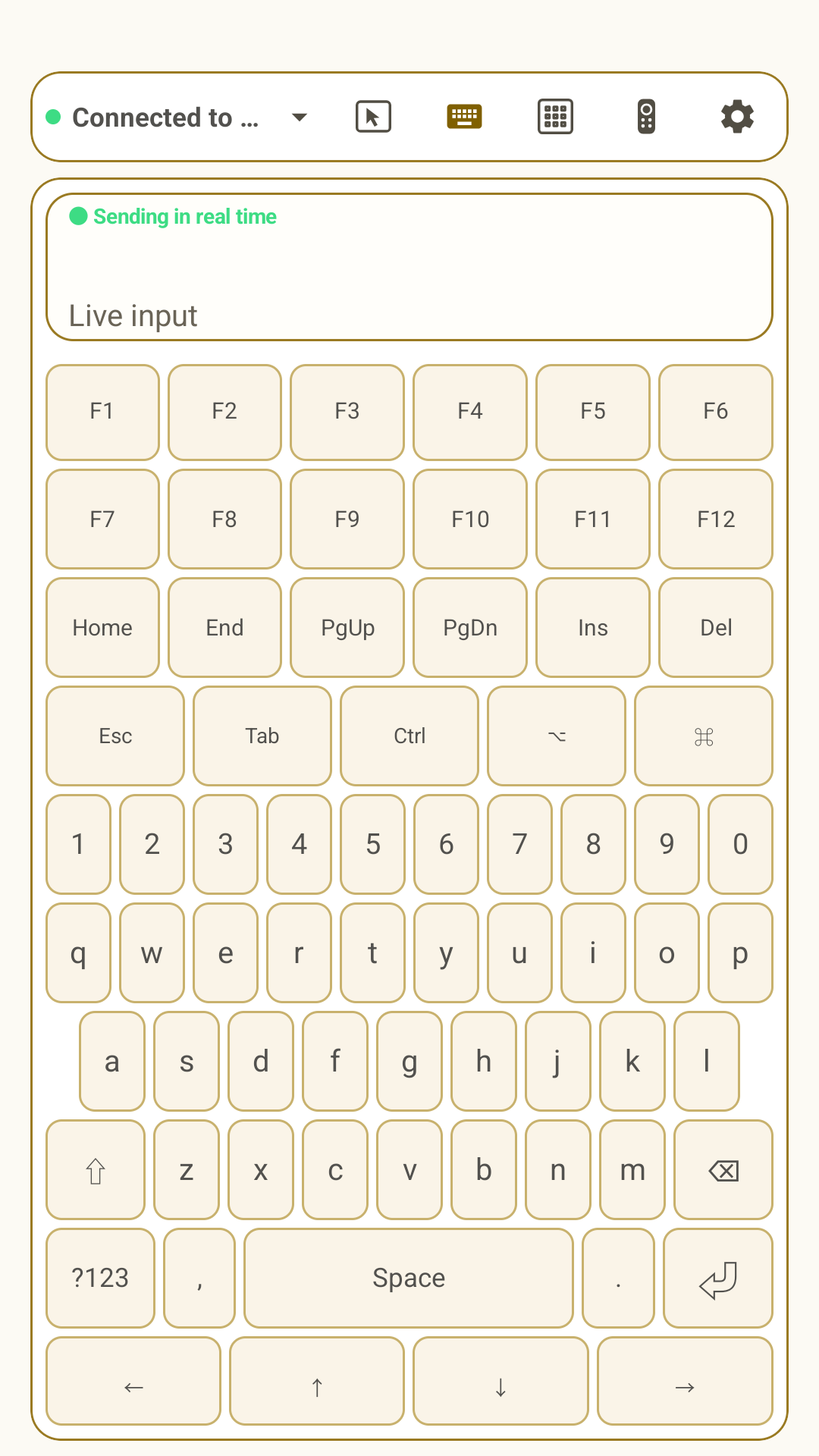
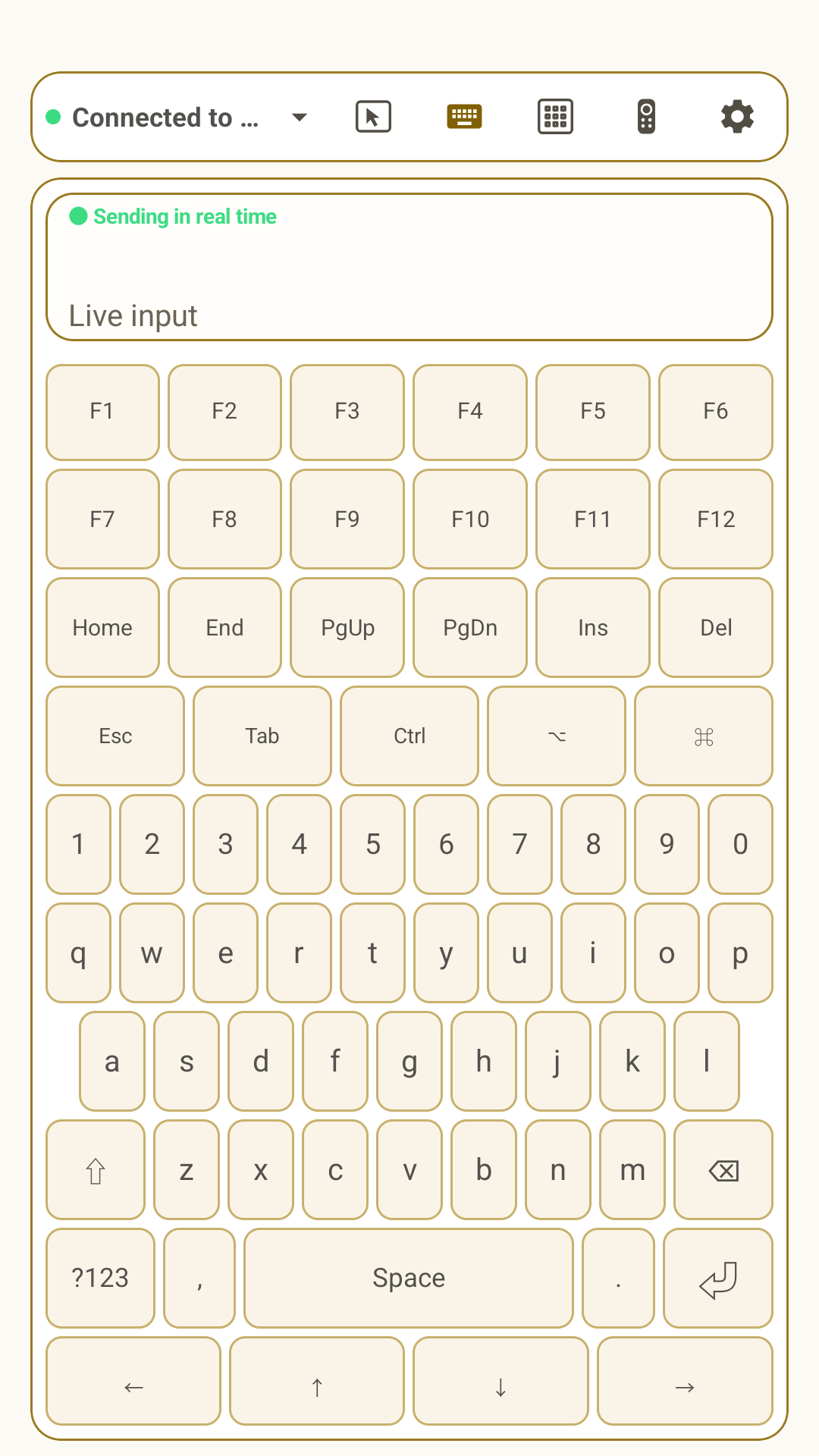
Type in real time with a live input view, desktop modifiers, arrows, navigation keys, and F1–F12.
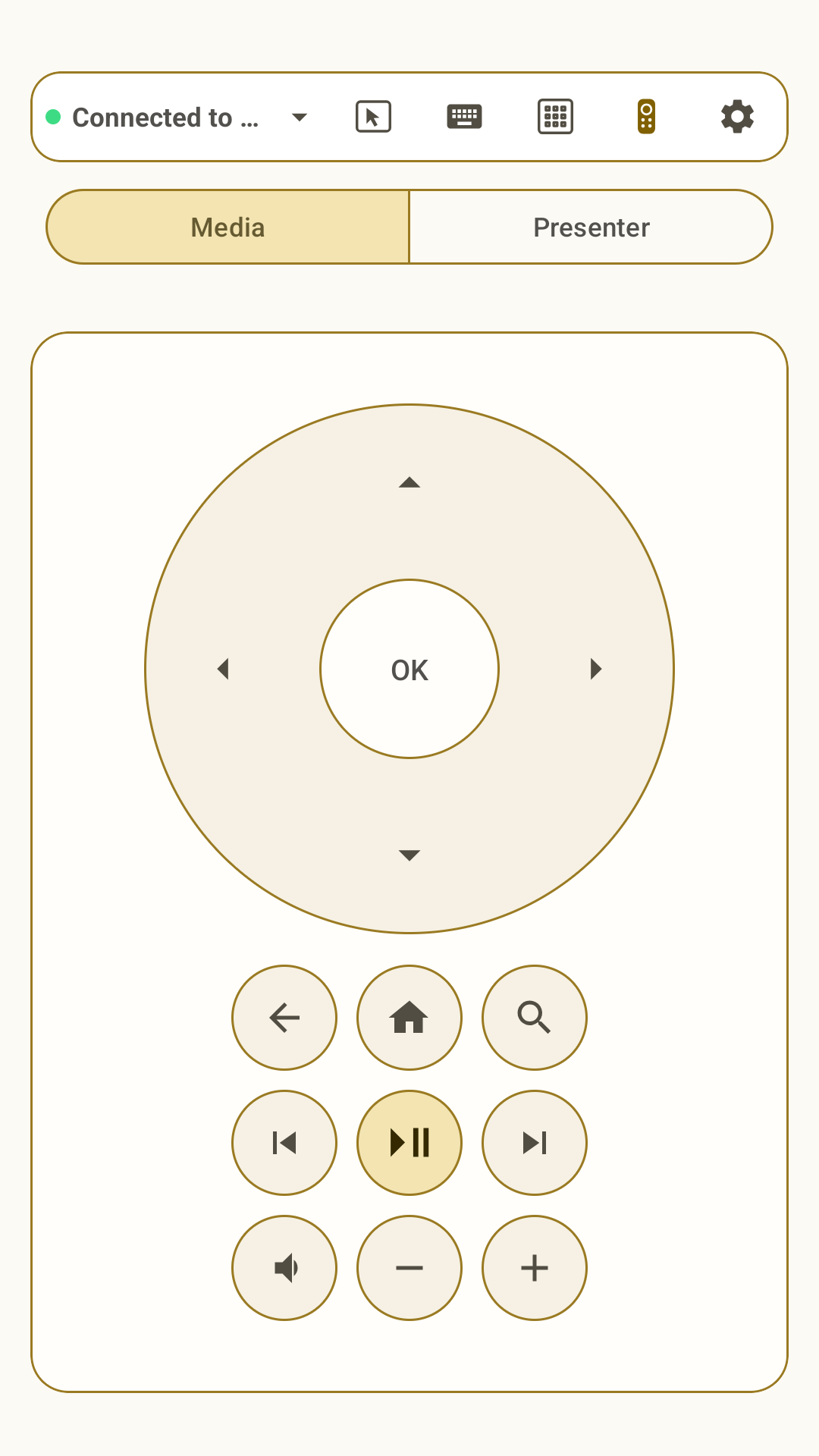
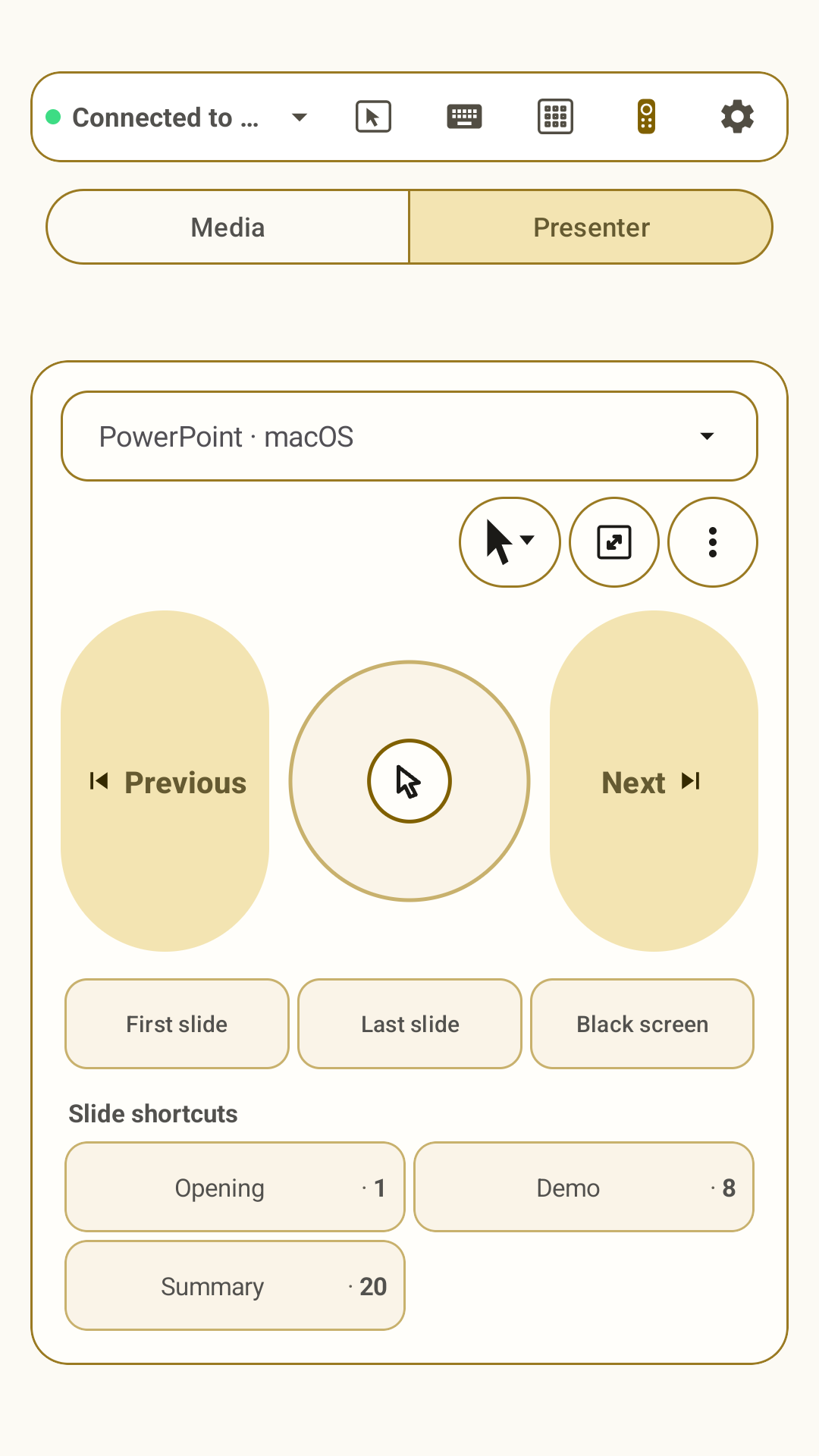
Switch between a focused media remote and a presenter with app-specific controls, pointer modes, and saved slide jumps.
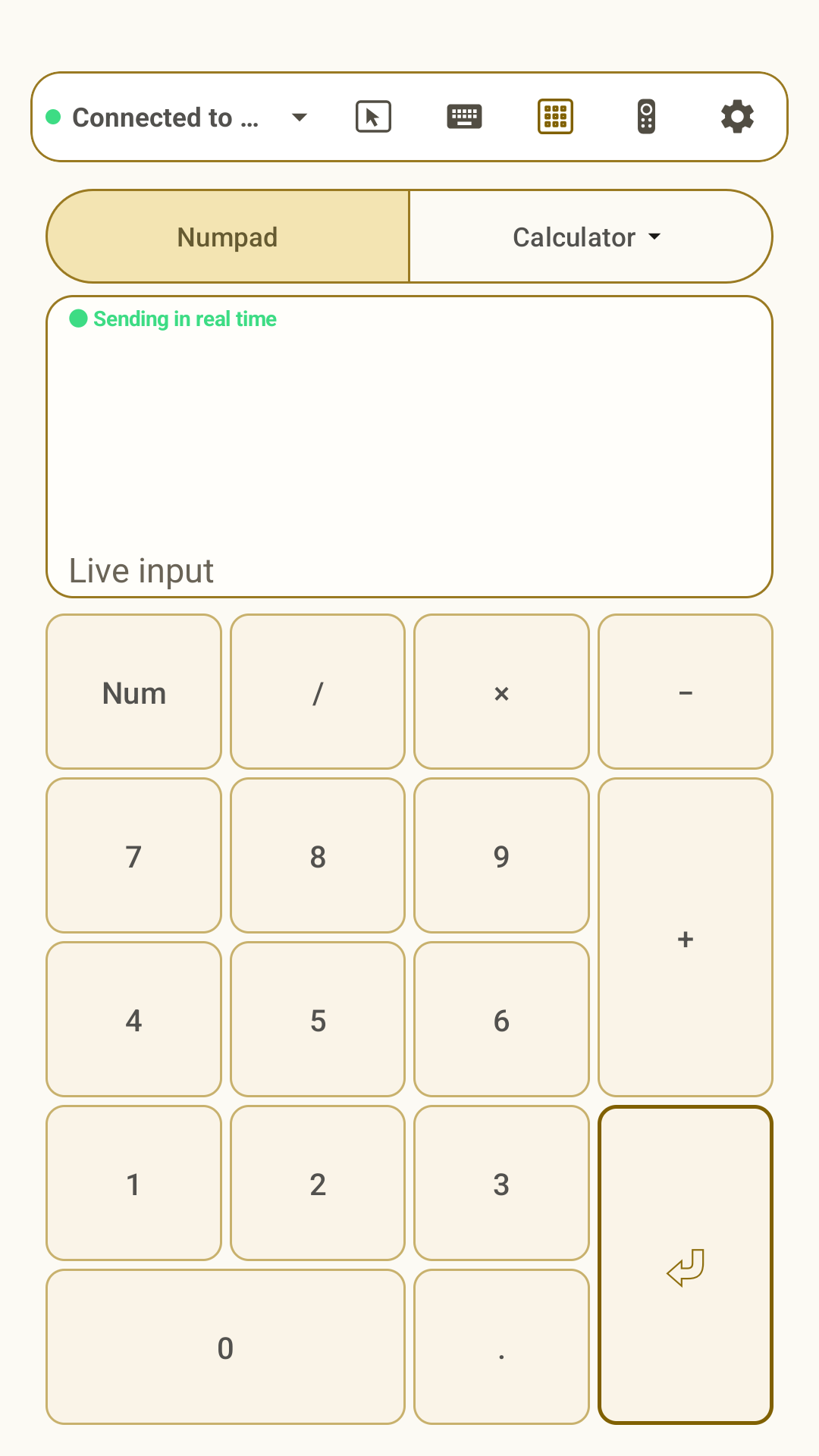
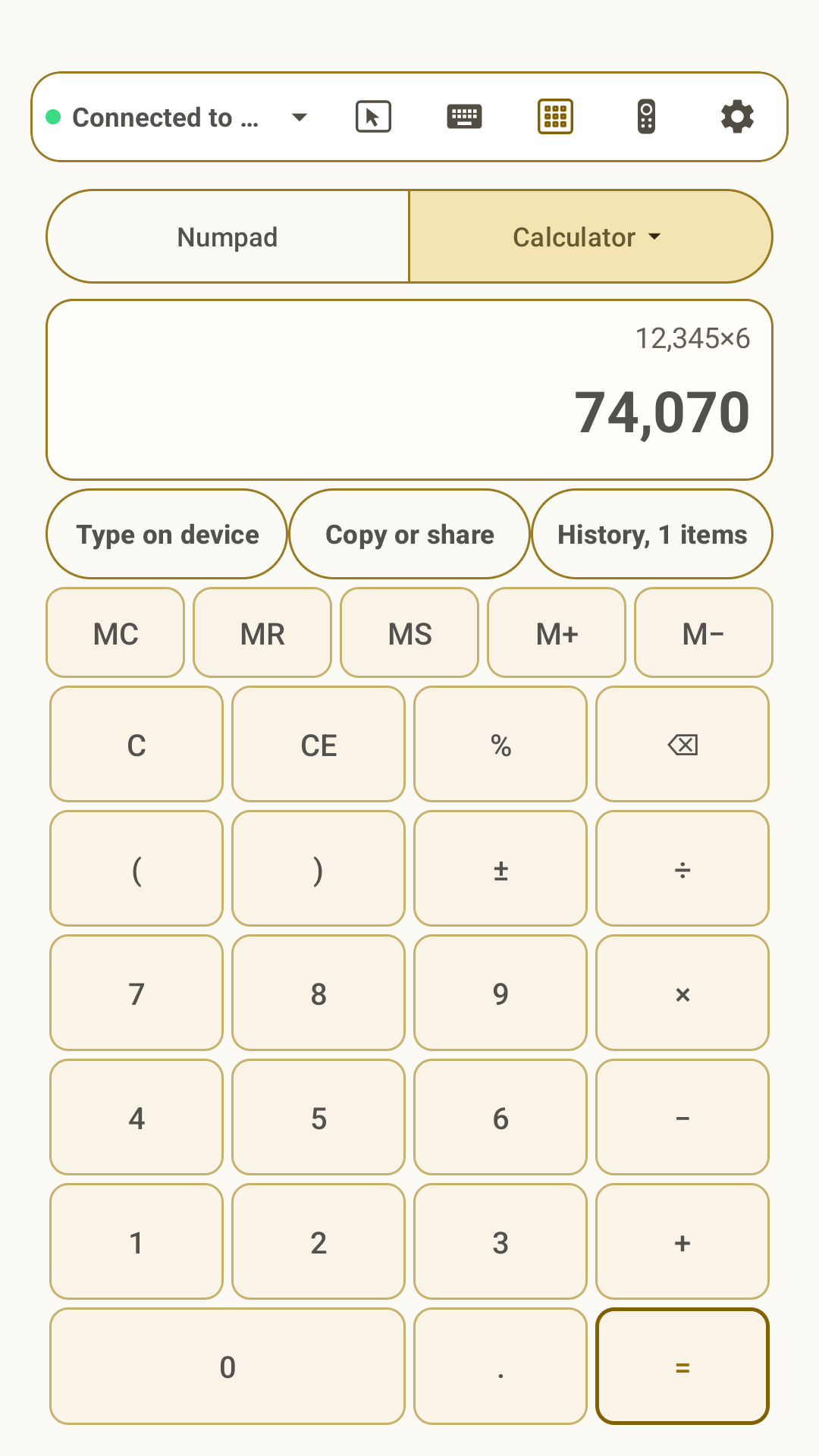
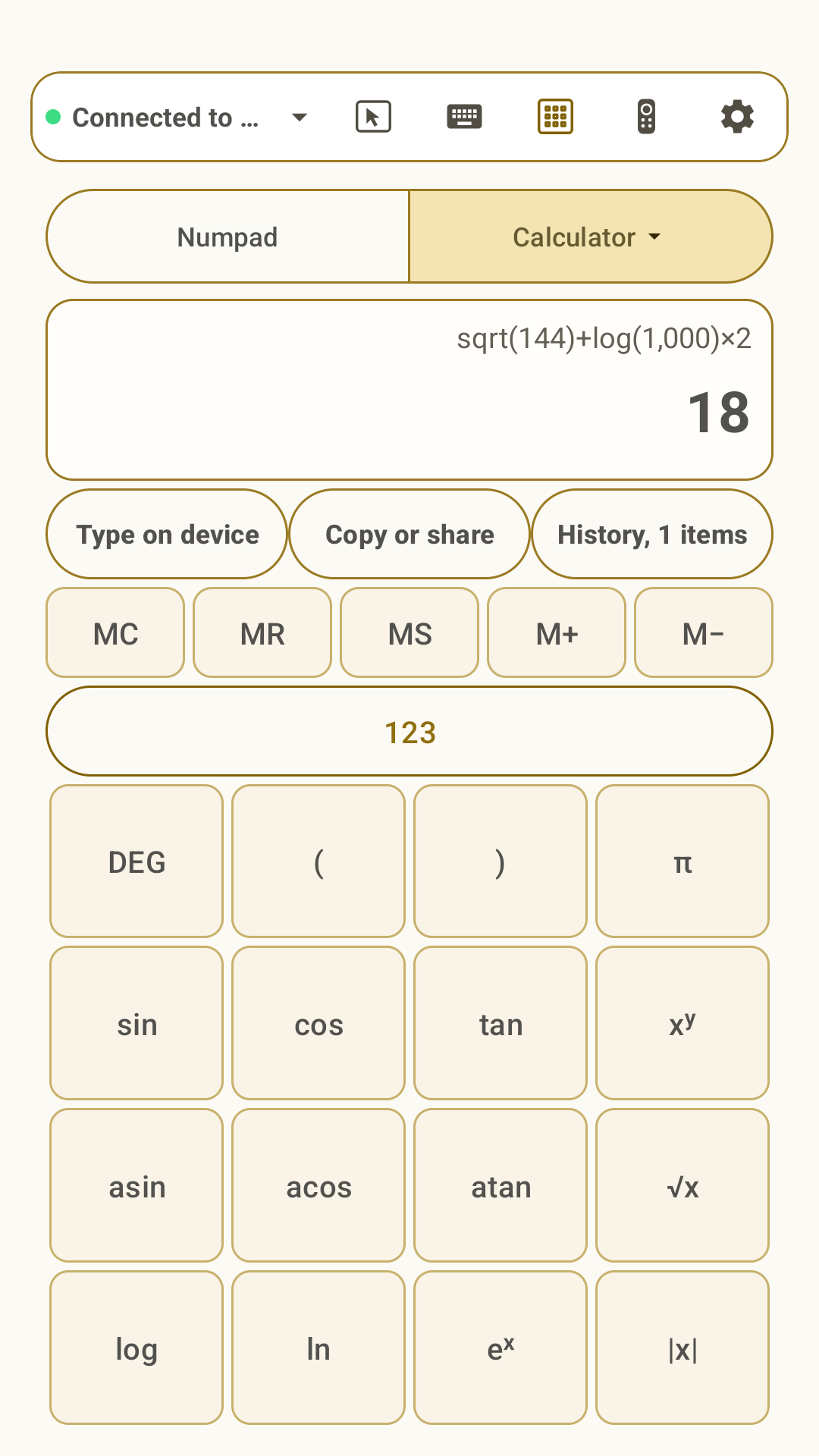
Use a desktop-style numpad or standard and scientific calculators, then type results on the connected device or share them.
Keep paired devices in Quick Connect and switch the active host without repeating setup.
Send supported input directly over Bluetooth HID without installing a companion app on the host.
Designed for real use
Omny Pad sends standard Bluetooth mouse, keyboard, and consumer-control reports. Gestures and shortcuts adapt to the selected host profile, but results can vary by operating system and the app in focus. It does not claim to generate the proprietary native events of every hardware trackpad.
Current Google Play media
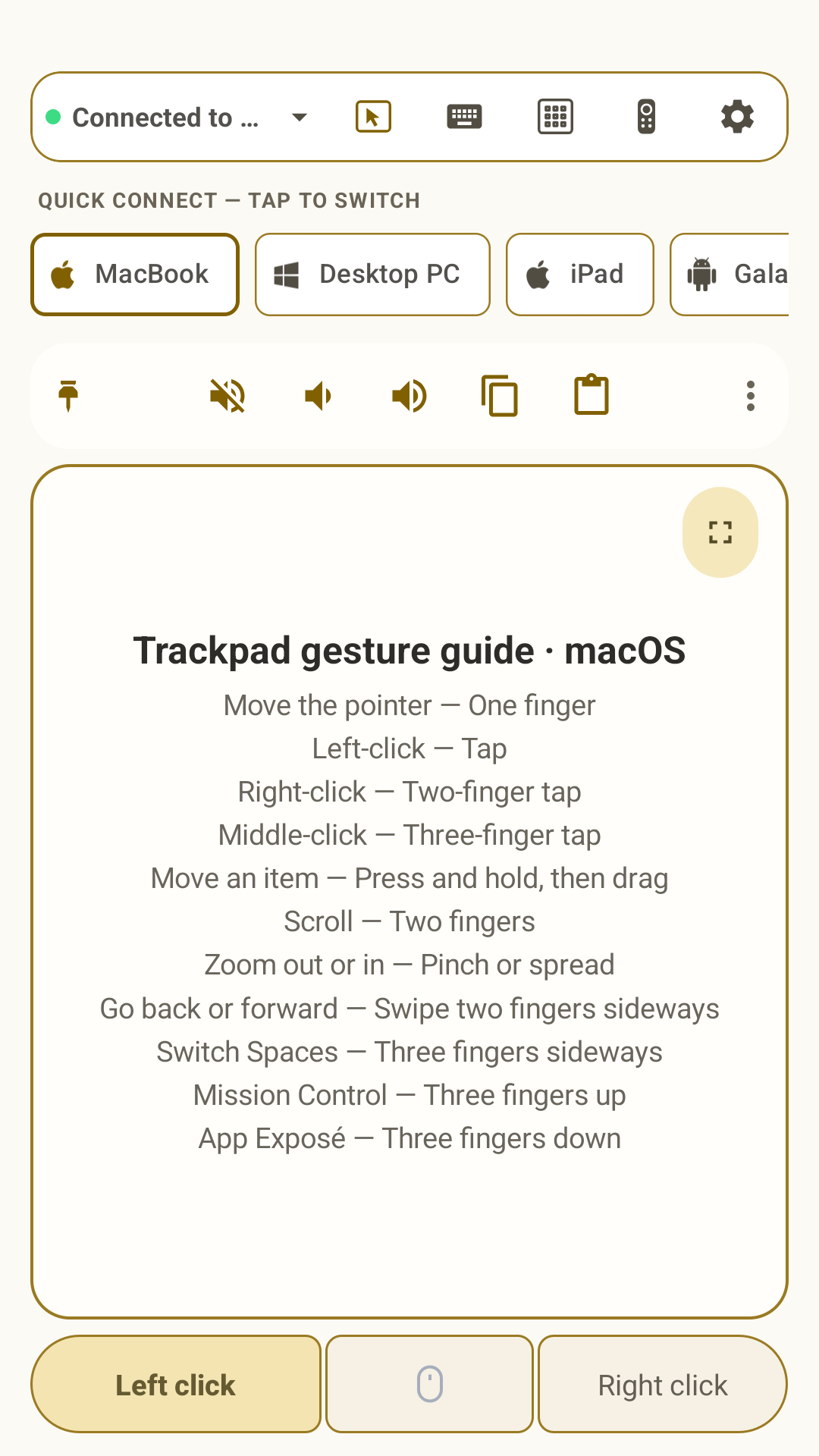
These are the current high-resolution phone images used for the Google Play listing, in listing order.
Support & legal
Product support and public documents are maintained by Appsolute works.