
A presentation is ready, but the clicker is not. A mini PC needs a quick text entry. A mouse runs out of power halfway through a trip. None of these is a major failure. Each is a small interruption that breaks the flow.
Omny Pad turns the compatible Android phone or tablet already within reach into a wireless mouse, multitouch trackpad, full keyboard, media remote, presenter, numeric keypad, and calculator. It sends supported input through standard Bluetooth HID, so a compatible host does not need a separate Omny Pad companion app.
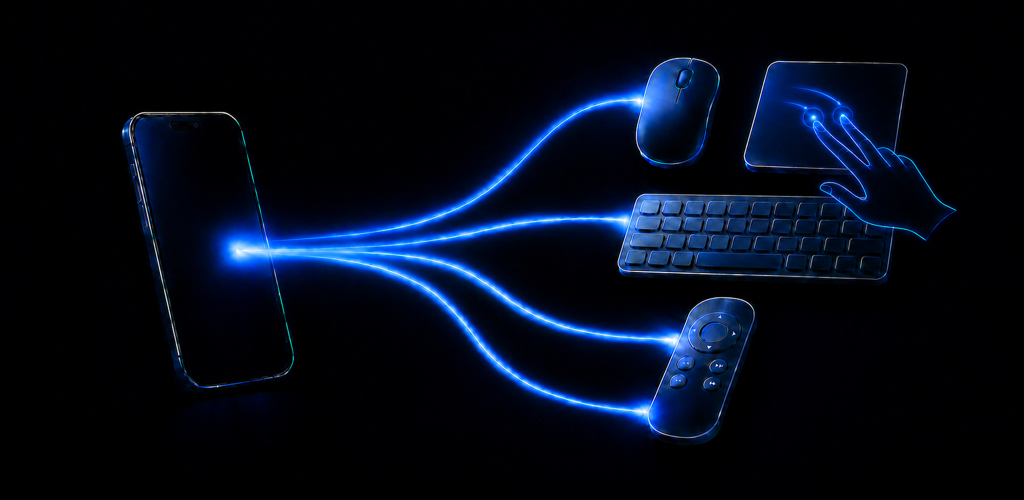
One app, six focused control surfaces
Each job has its own screen instead of forcing every control into one crowded panel.
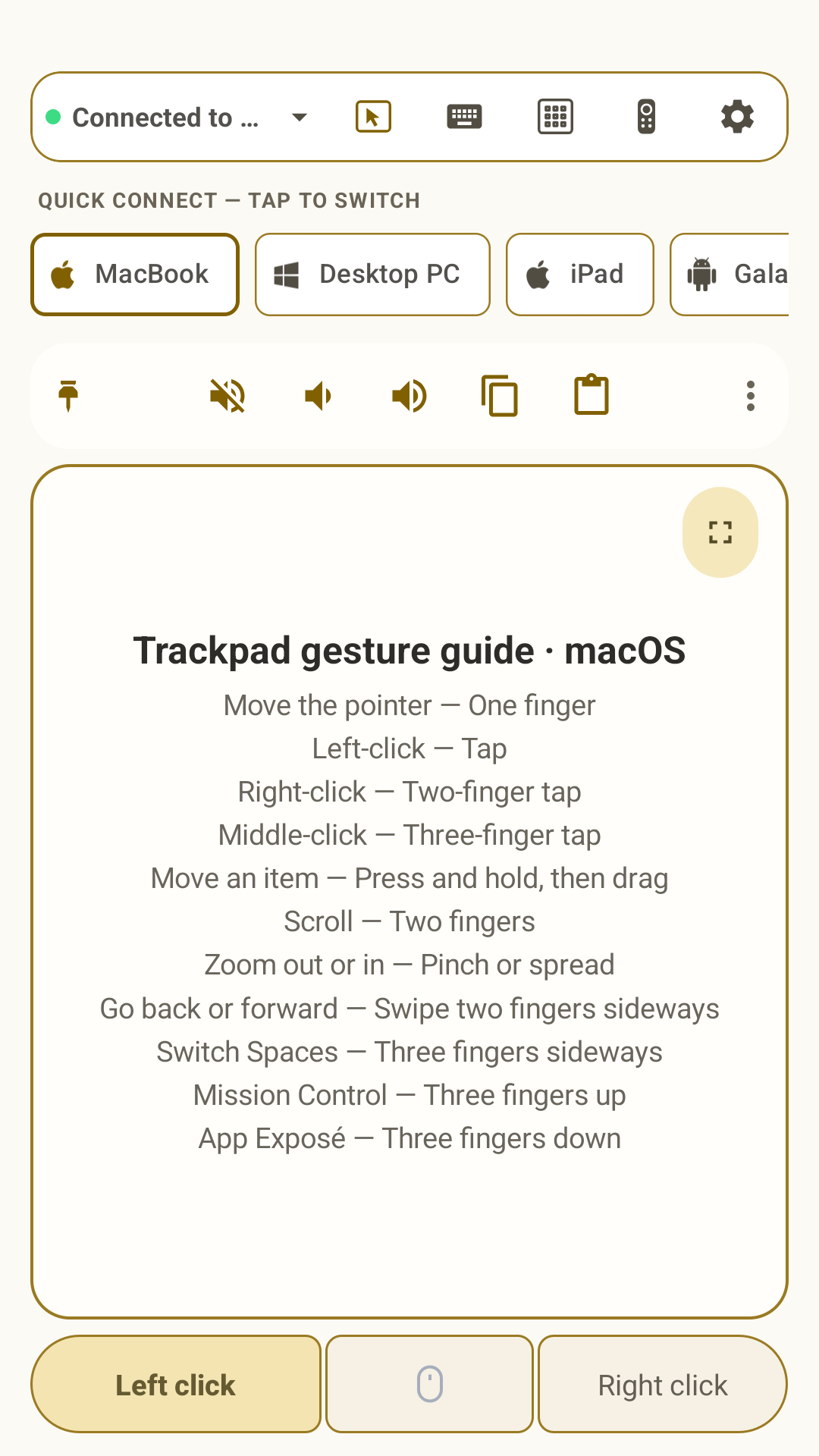
- Trackpad: Move the pointer, click, drag, scroll smoothly, and use multi-finger gestures.
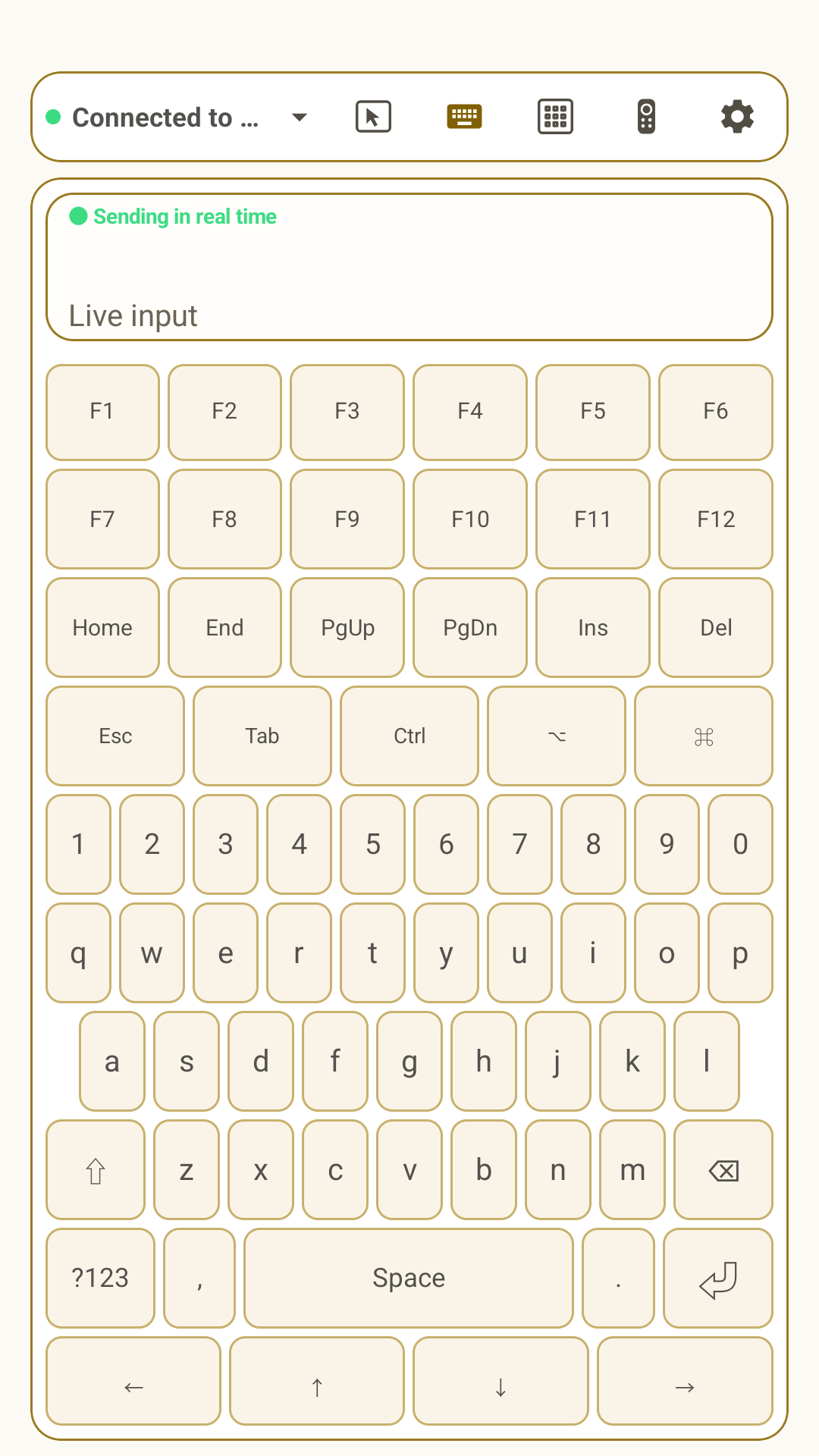
- Keyboard: Type in real time with a live input view, desktop modifiers, navigation keys, and function keys.
- Media remote: Use focused navigation, playback, track, and volume controls.
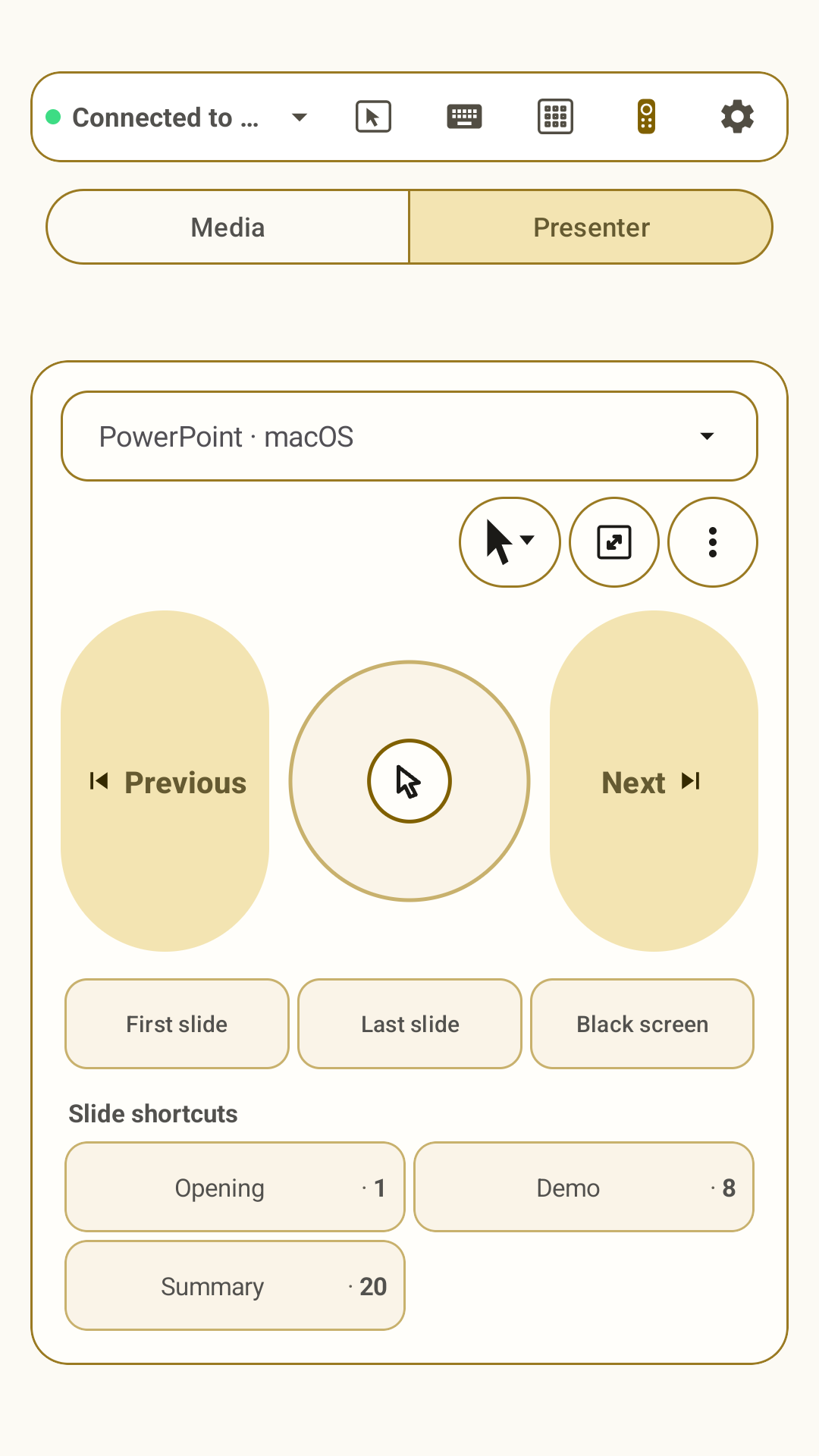
- Presenter: Choose the presentation app and OS, move the pointer, switch cursor modes, and jump to saved slides or pages.
- Numeric keypad: Enter numbers from a familiar desktop-style key layout with a live input view.
- Standard and scientific calculators: Build an expression, keep grouped and decimal results readable, then type the result on the connected device or copy and share it.
Switching saved hosts is part of the same experience. Quick Connect keeps frequently used devices within reach, while only one host receives input at a time.
Where Omny Pad earns its place
A presentation needs more than Previous and Next
Presenter mode separates the most important navigation controls, adds a central pointer pad, and adapts commands to the selected app and operating system. Saved shortcuts such as “Demo · 8” can jump directly to an important slide or page without exposing editing controls during the presentation.
A compact setup still needs full controls
Mini PCs, travel desks, tablets, and temporary workstations do not always justify carrying another mouse, keyboard, numpad, calculator, and presenter. Omny Pad gives one phone a useful second job while keeping every tool easy to identify.
A remote is too slow for real text
Directional controls are fine until an interface asks for a search term, URL, or message. The full keyboard keeps every key on screen and shows the live input above it. When the task is mostly numeric, switch to the dedicated keypad instead.
A calculation belongs in the active workflow
The calculator is not a static mock-up or a separate web tool. Standard and scientific modes can keep a complex expression visible, preserve thousands separators and decimal values, send the formatted result to the selected host, or share the result with its calculation context.
Familiar gestures, honest boundaries
Omny Pad supports a broad set of one-, two-, three-, and four-finger gestures. It uses standard Bluetooth mouse, keyboard, and consumer-control reports, plus host-specific shortcuts where needed. It does not impersonate a proprietary Apple trackpad or Windows Precision Touchpad, so the exact animation or behavior can differ by operating system and app.
This is the useful comparison: the interactions are inspired by familiar hardware trackpads, while the delivery remains standards-based and compatible with the host capabilities available over Bluetooth HID.
All current features included
Every current advanced feature is available without a separate Pro mode. Omny Pad uses minimal inline advertising and does not interrupt use with recurring five-minute pop-up ads.
Its advantage is availability. The phone is charged, familiar, and usually close by. Turning it into a flexible control surface removes the need to buy, carry, or locate another controller for short tasks and unexpected gaps.
The best backup input device is the one already in your pocket.
Pair once, then switch when you need to
- Start a new connection in Omny Pad and allow Nearby devices access when Android asks.
- Select the phone in the Bluetooth settings of the Mac, Windows PC, iPad, iPhone, Linux computer, or Android host you want to control.
- Confirm pairing and wait until Omny Pad reports that keyboard and pointer input are ready.
Available controls can vary by host, operating system, driver, media session, and app. The Omny Pad user manual covers every control surface, and the visual gesture guide shows the complete gesture set in motion.
Put a spare input device in your pocket.
Download Omny Pad to turn a compatible Android phone or tablet into a wireless trackpad, keyboard, media remote, presenter, numpad, and calculator.
 Google Play